
Trace, color, or draw without a score
Follow a picture's outline, add your own colors, or choose Free Drawing without a score. Five difficulty settings offer a scored challenge when you want one.
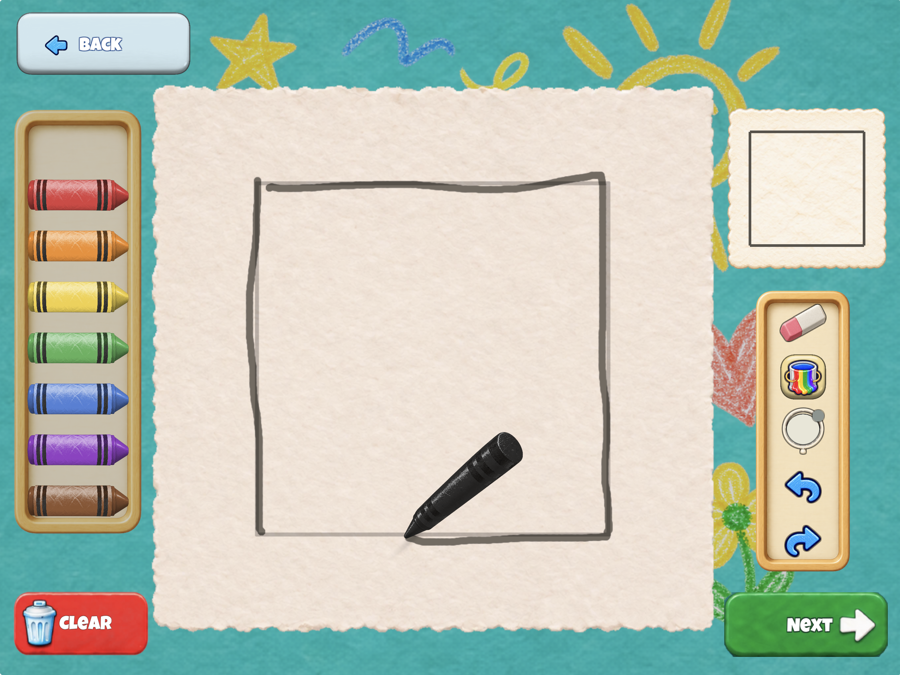
Follow a picture's outline, add your own colors, or choose Free Drawing without a score. Five difficulty settings offer a scored challenge when you want one.
Use crayons, an eraser, a paint bucket, a magnifier, undo and redo while drawing. Zoom in or move the picture to work on small details. Inside Lines and five manual line widths are available on every level and at every difficulty. Choose a crayon and use the paint bucket without passing a trace first.
Use a finger or supported stylus on iPhone and iPad, or a mouse or trackpad on Mac. On supported iPads, Apple Pencil pressure also changes crayon width.
The Mac version requires a Mac with Apple silicon. Intel Macs are not supported.
 Available on the App Store
Learn to trace, color and use every tool in How to play, and find every setting and its starting value in the Settings guide.